RTC (Real-Time Clock)
Keeps accurate track of time independently, even during network outages, so that pre-programmed time-based lighting schedules run without interruption.
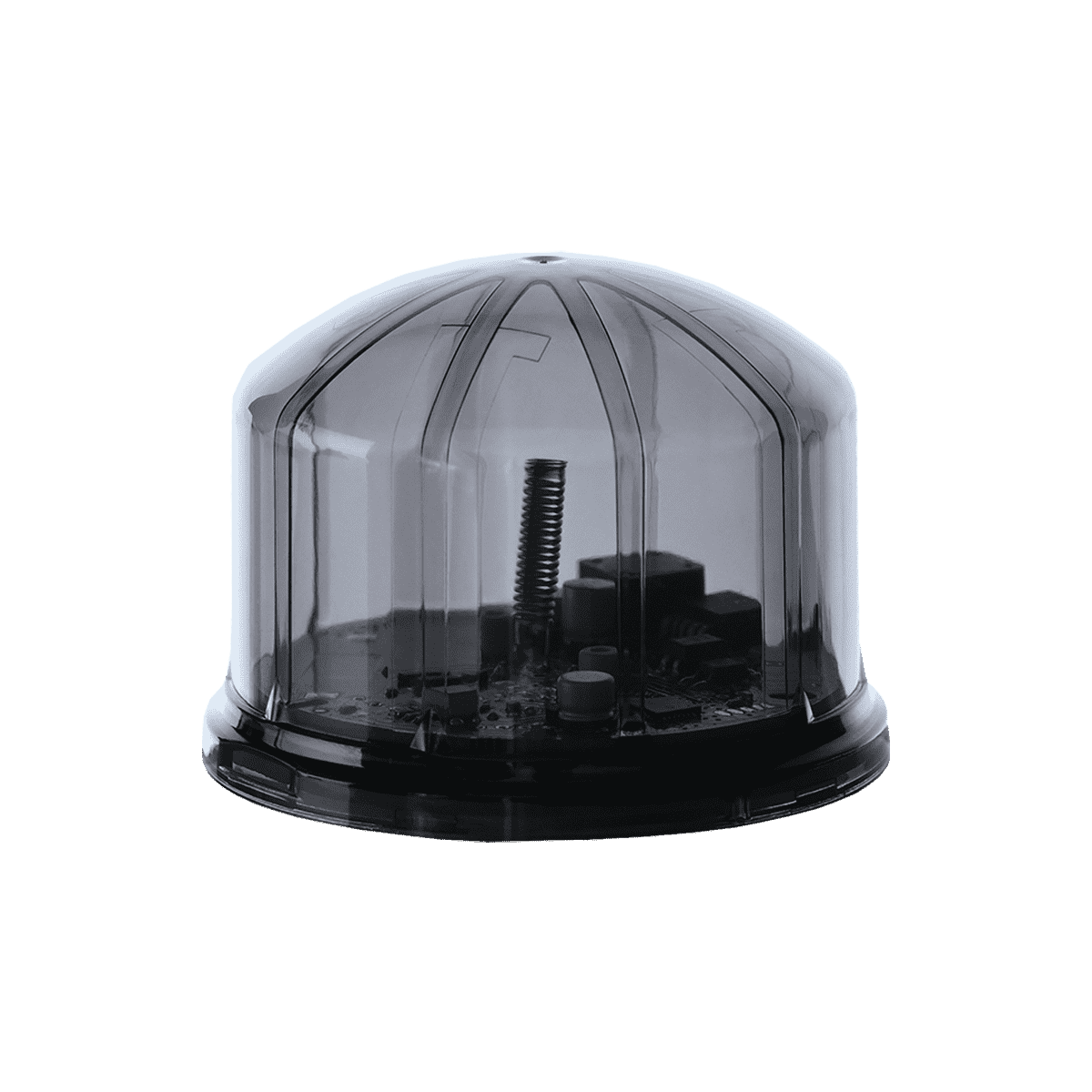
SKU: LWNZGAD4iRGLMP2466
LoRaWAN ZHAGA MPPT Node is a smart city lighting control unit developed for ZHAGA socket-compatible luminaires. It operates on 24 VDC and supports both LoRaWAN and DALI communication protocols. By reading MPPT devices, it enables real-time monitoring of energy and power data, and its dimming function delivers energy savings and centralized lighting management.
| Operating voltage: | 24 VDC | Housing material: | UV-resistant polycarbonate |
| Power consumption: | 0.6 W | Mounting type: | Twist lock |
| LoRaWAN supply current: | 20 mA | Body color: | Black |
| Communication protocol: | LoRaWAN | IP rating: | IP66 |
| Operating frequency: | 868 MHz | Operating temperature: | -20 °C to +50 °C |
| Standby mode current: | 2.1 µA | Dimensions (H × Ø): | 62 × 79.7 mm |
| Signal transmission power: | 22 dBm (max.) | Protection class: | Class II |
| Receiver sensitivity: | -116.5 dBm to -136 dBm | Socket compatibility: | ZHAGA socket-compatible luminaires |
| Communication speed: | 1.2 – 115.2 kbps | Integrated functions: | MPPT data reading, dimming, RTC, LDR, tilt sensor, and GPS |
| Service life: | 50,000 hours | Control infrastructure: | Olios application server and LoRaWAN gateway |
No document was found for this product.
No stock code information available for this product.
No accessory information available for this product.
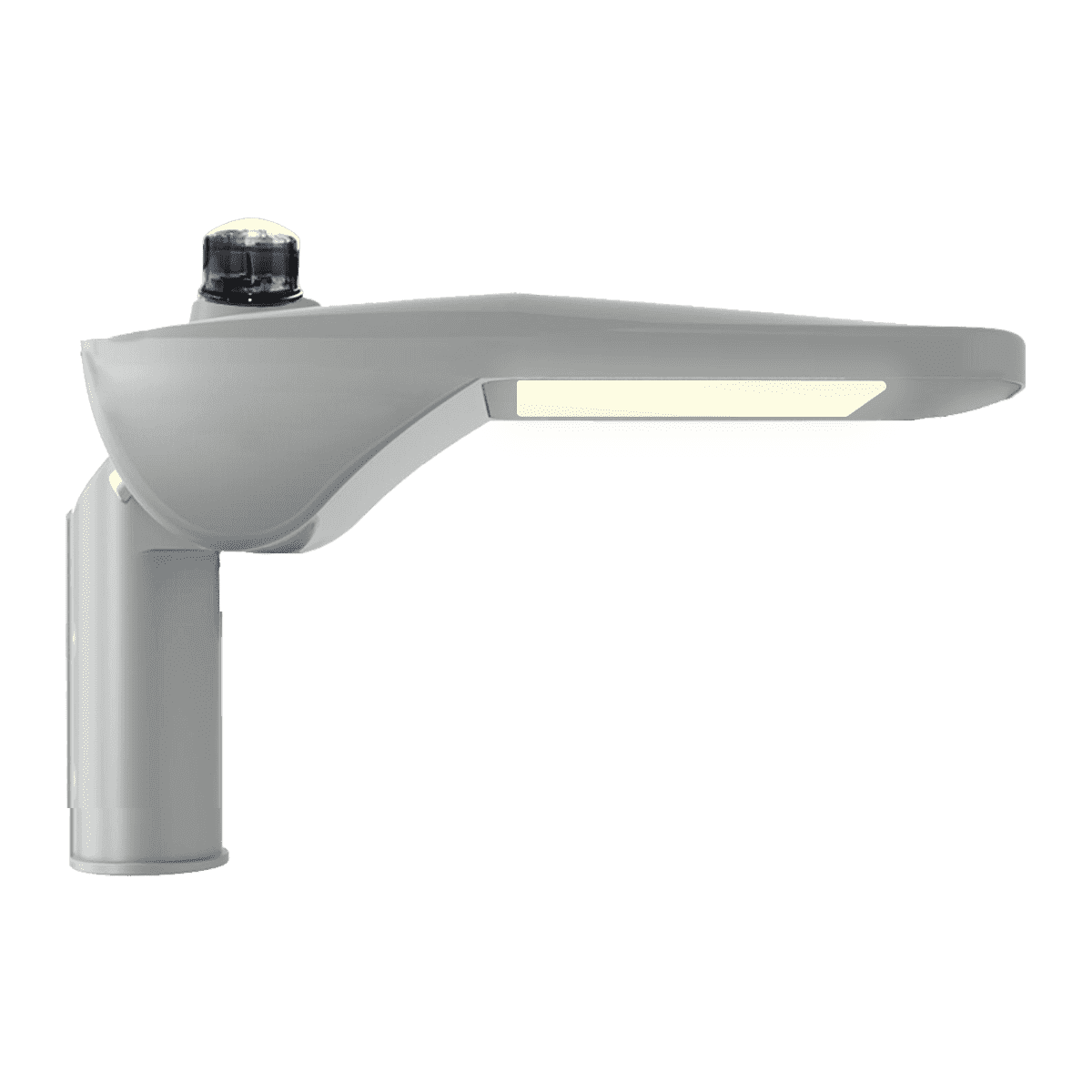
ZHAGA is a smart city lighting control unit developed for use with ZHAGA socket-compatible luminaires. It operates on 24 VDC and supports both LoRaWAN and DALI communication protocols.
With its ability to read MPPT devices, it enables real-time monitoring of energy and power data. Its dimming function delivers energy savings and centralized lighting management. With remote control and monitoring capabilities, it is ideal for integration into modern urban lighting infrastructures.
It can be used in logistics centers, ports, smart factories, solar energy systems, and smart city applications.
Keeps accurate track of time independently, even during network outages, so that pre-programmed time-based lighting schedules run without interruption.
Detects ambient light levels so that streetlights turn on automatically at sunset and off at sunrise.
Monitors the physical orientation of the pole or fixture and instantly alerts the central management system if a collision, tilt, or severe structural displacement occurs.
Automatically detects the geographical coordinates of the terminal, reports its position to the map-based central management system, and ensures precise time synchronization.
Reads MPPT devices to monitor energy and power data in real time; the dimming function delivers energy savings and allows lighting to be managed centrally.
LoRaWAN ZHAGA products are controlled by the Olios application server via a network gateway, allowing the terminal to be controlled and monitored remotely.
| LED Indicator | Status | Description |
|---|---|---|
| Red | Stable | Communication module failure. |
| Purple | Flashing | Test mode, awaiting data. This is the mode used by the manufacturer during the test phase; if no test data is received within approximately 40 flashes, the device switches to normal operation mode. |
| Turquoise | Stable | Test mode active. This is the mode used by the manufacturer during the test phase. |
| Turquoise | Flashing | Delayed data transmission in test mode. Flashes in proportion to the delay and device address until it stops. |
| Yellow | Stable | An attempt to connect/pair with the LoRaWAN gateway via ABP or OTA mode was made, but it was unsuccessful. |
| Yellow | Flashing | Attempting to connect/pair with the LoRaWAN gateway via ABP or OTA mode. This trial period repeats according to the value set in the device software. |
| Green | Stable | Link communication with the LoRaWAN gateway is active. |
| Green | Flashing | Normal mode, delayed data transmission. Flashes in proportion to the delay and device address until it stops. |
| Off | Off | While the device is sending data or changing mode, the LED indicator stays off for the duration of the operation. |


Contact our technical team for product selection, system sizing, and project pricing — typically with a response within one business day.